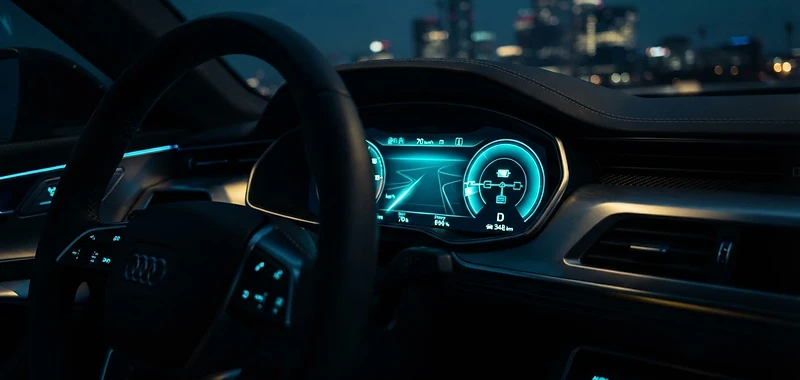
[SYS.BRIEF_00] Hertz Electric
01
The Hertz Electric Command Guide
Mission Ready
[SYS.CHECK_01]
Calibrate Your Environment
01
Seat Belt
Hop in and buckle up before any system check.
02
Mirrors
Adjust side and rear mirrors for full visibility.
03
Seating
Set seat distance and height for pedal reach.
04
Steering Wheel
Adjust the wheel to a comfortable grip position.
[DRIVE.MODE_02]
The Drive Protocol
Gear · Drive
PRND
Grab the gear stick, put it in Drive, and drive to your destination.
Kinetic Friction
If you take your foot off the brake, the car will stop. Always use your brakes as necessary — normal driving and braking as required.
Foot Off=Braking
Caution: The car will stop when your foot is removed from the brake.
[PARK.LOCATE_03]
Park Is A Button
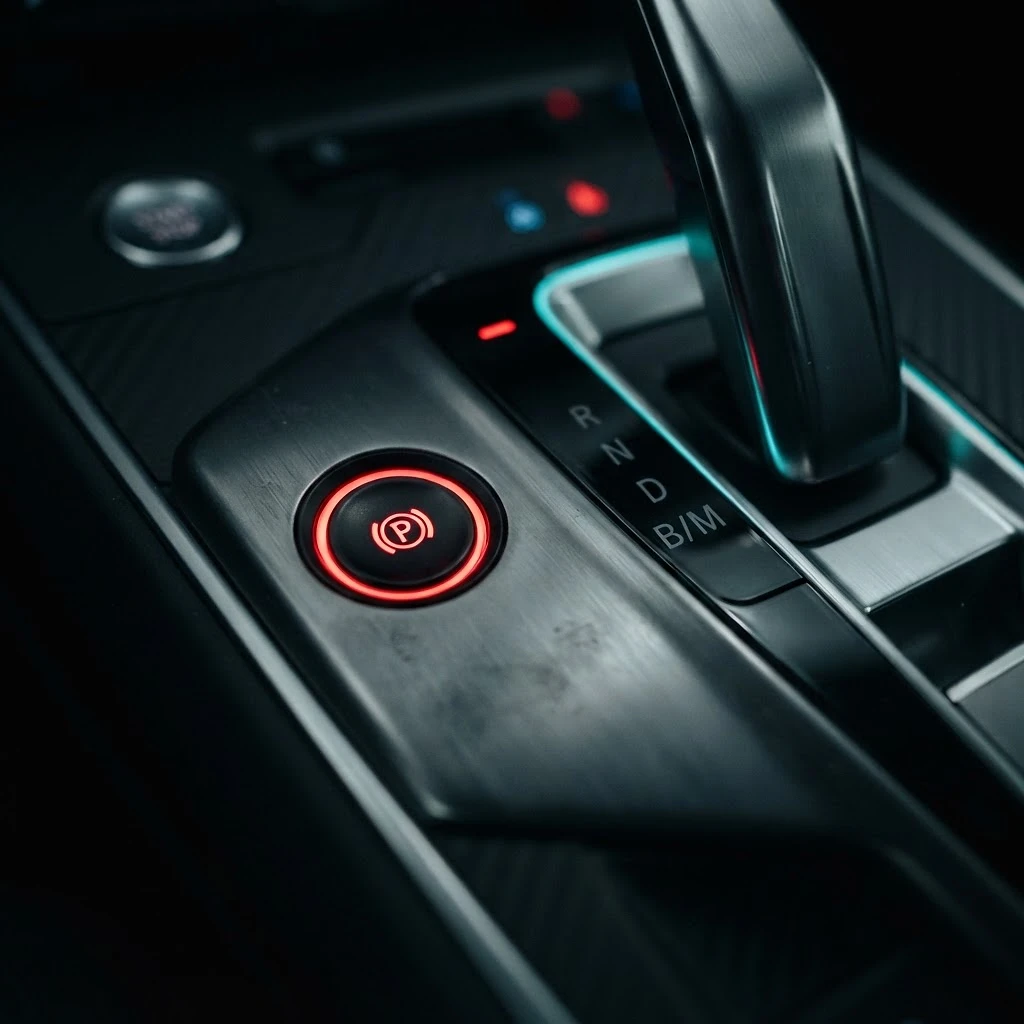
Park Button
Once you put the vehicle in PARK, get out and lock the doors
- When you reach your destination, bring the vehicle to a complete stop with your brake.
- PARK is not on the gear stick. It sits on the left side of the gear stick. Push it to activate.
- Your dashboard will confirm once secured.
- Exit the vehicle and lock the doors.
[SOS.ROADSIDE_04]
Emergency & Roadside Support
You're never alone on the road. Save these numbers before you drive — help is one tap away, day or night.